The Docker server type in Ploi makes managing your Docker containers a breeze. Instead of the traditional web stack (PHP, NGINX, MySQL), a Docker server is provisioned with Docker CE, the Docker CLI, containerd and the Docker Compose plugin ready to go, with the ploi user added to the docker group so it can run containers.
Creating a Docker server
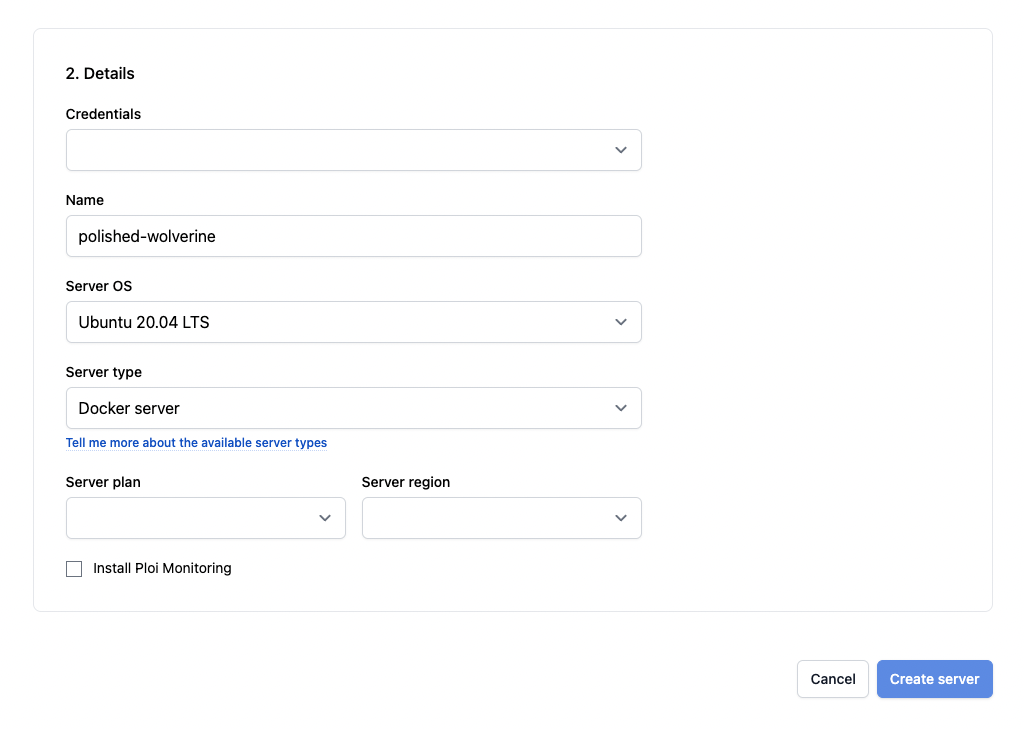
Go to the create-server page and select the Docker server type in the dropdown, then create the server as you normally would.
Managing containers
Once the server is ready, you can manage everything from the Ploi panel:
- Create and delete containers from a Docker Compose file.
- Start and stop containers — Ploi runs
docker compose up/docker compose downfor you. - View container logs directly in the panel.
- Edit a container's deploy script and configuration.
- Proxy a domain to a container, so a site points at the container's port.
You also have full SSH access to the server, so you can manage Docker manually with the docker and docker compose commands whenever you need to.
